Open your Google Maps Timeline in Google Earth (KML)
Google Maps no longer shows Timeline on a computer, but Google Earth will, from a KML file. There I Went makes one from your export: places as pins, journeys as lines, grouped by year. Free, in your browser.
How to get your Timeline into Google Earth
- Export your Timeline from your phone.
- Drop it on thereiwent.com, or click Choose file, and pick the dates.
- Under the map, click Download for Google Earth (KML).
- In Google Earth on the web, choose New → Import file to map project (or Open local KML editor to open it without saving). In Google Earth Pro: File → Open.
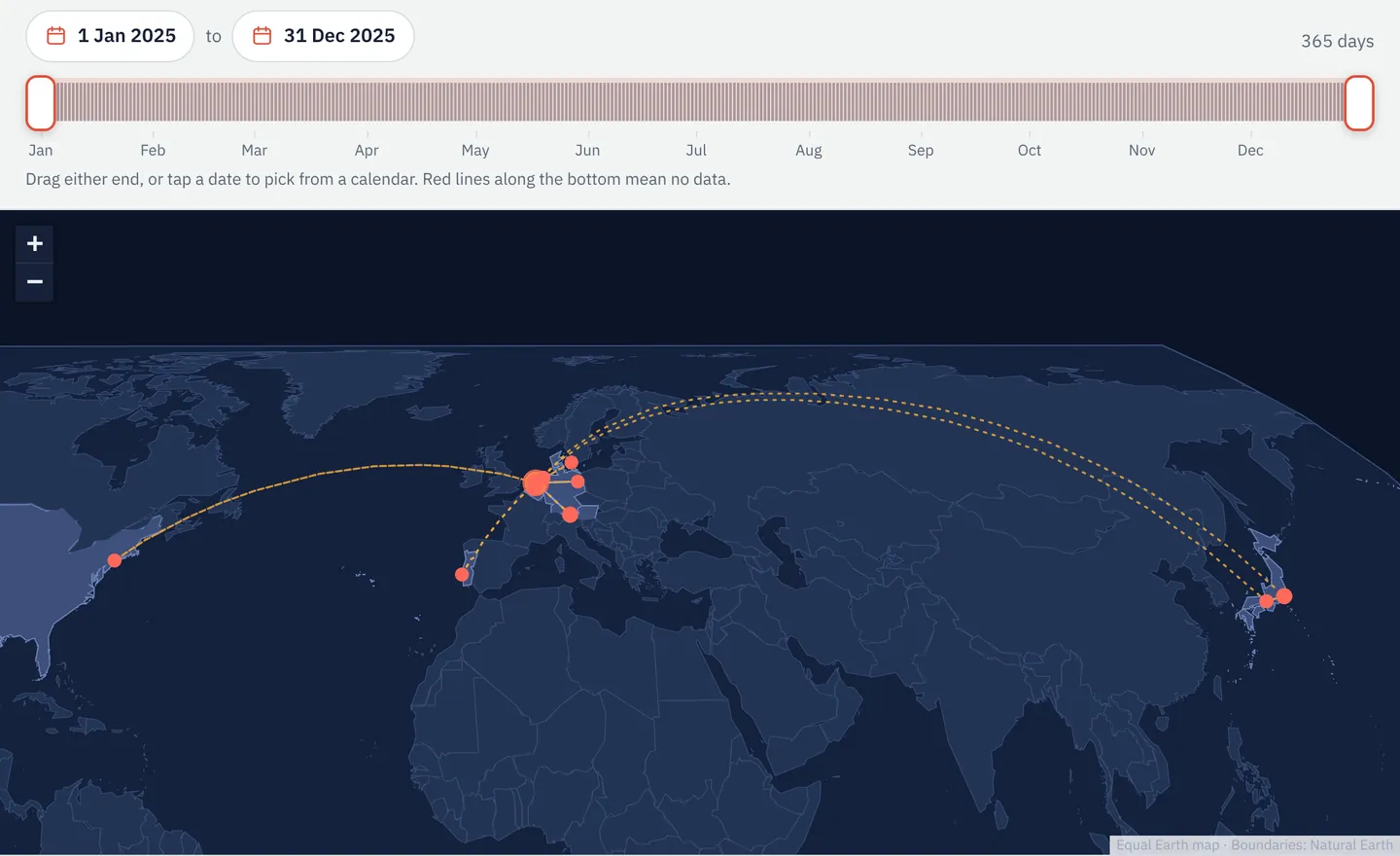
What's in the KML file
- Places: one pin per place (Home, Work or the nearest town), with visits and total time.
- Routes, by year: every journey, named with date, mode and distance. Recorded routes follow the road; others are faint straight lines.
- Times on every route for Google Earth's time slider.
- Only the dates on screen: one trip, or everything.
Google Earth or Google My Maps?
| Google Earth | Google My Maps | |
|---|---|---|
| Size of file it takes | Large files are fine: up to 10,000 features as editable map features, and bigger files still load as a data layer | KML up to 5 MB, and no more than 2,000 rows |
| Good for | Your whole history, or many years | One trip, to share as an ordinary Google map |
| Colours | The web version may show its own default colours rather than the file's | Uses its own styles |
Good to know
- Opening it in Google Earth or My Maps puts it in your Google account. Making the file sends nothing anywhere.
- It shows where you live. Be careful sharing a project made from it.
- No Google account? Download interactive map (HTML) gives a map file that opens offline in any browser.
Questions
- Can I put my Timeline back on the Google Maps website this way?
- No. Google Maps on a computer no longer has Timeline; Google Earth and My Maps can show the same places and routes.
- Why are some journeys straight lines?
- For many journeys the export holds only the start and end.
- Is there a GPX version?
- Yes: convert your Timeline to GPX for other mapping and GPS apps.
Sources
- Google Earth documentation: Import data into Google Earth: how to import or open a KML file, and the size of file Google Earth handles
- My Maps Help: Import map features from a file: the 5 MB and 2,000-row limits
- Google Maps Help: Manage your Google Maps Timeline: its Computer tab says Timeline is not available for Maps on a computer
Links checked on 10 November 2026. If something on this page is out of date, please tell us.